Docker Install MockServer to mock response
What is MockServer
Official documentation: https://www.mock-server.com/
For any system you integrate with via HTTP or HTTPS MockServer can be used as:
- a mock configured to return specific responses for different requests
- a proxy recording and optionally modifying requests and responses
- both a proxy for some requests and a mock for other requests at the same time
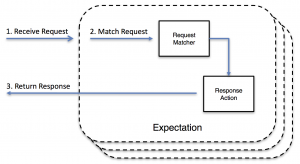
When MockServer receives a request it matches the request against active expectations that have been configured. Then, if no matches are found, it proxies the request if appropriate; otherwise a 404 is returned.
return a "mock" response when a request matches an expectation
Use Docker Compose to start
-
create a new folder then define docker-compose.yml file
services: mockServer: image: mockserver/mockserver:latest container_name: mockServer ports: - 1080:1080 environment: MOCKSERVER_WATCH_INITIALIZATION_JSON: true MOCKSERVER_LOG_LEVEL: DEBUG MOCKSERVER_PROPERTY_FILE: /config/mockserver.properties MOCKSERVER_INITIALIZATION_JSON_PATH: /config/initializerJson.json TZ: Asia/Shanghai volumes: - ./config:/config -
create the initializerJson.json file
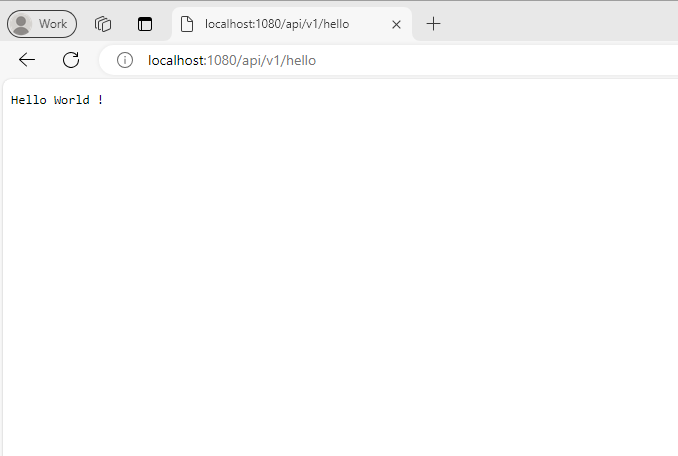
[ { "httpRequest" : { "method" : "GET", "path" : "/api/v1/hello" }, "httpResponse" : { "body" : "Hello World !", "statusCode": 200 } } ] -
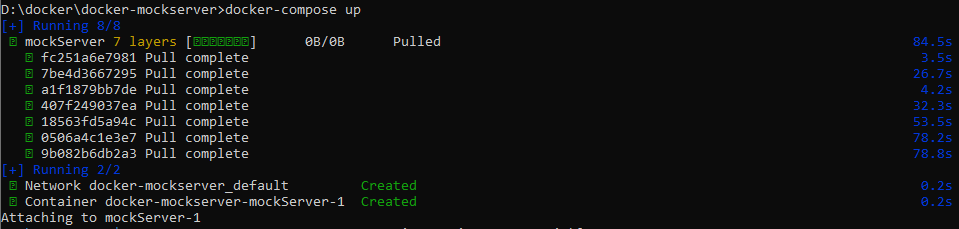
docker compose start
-
test the result
-
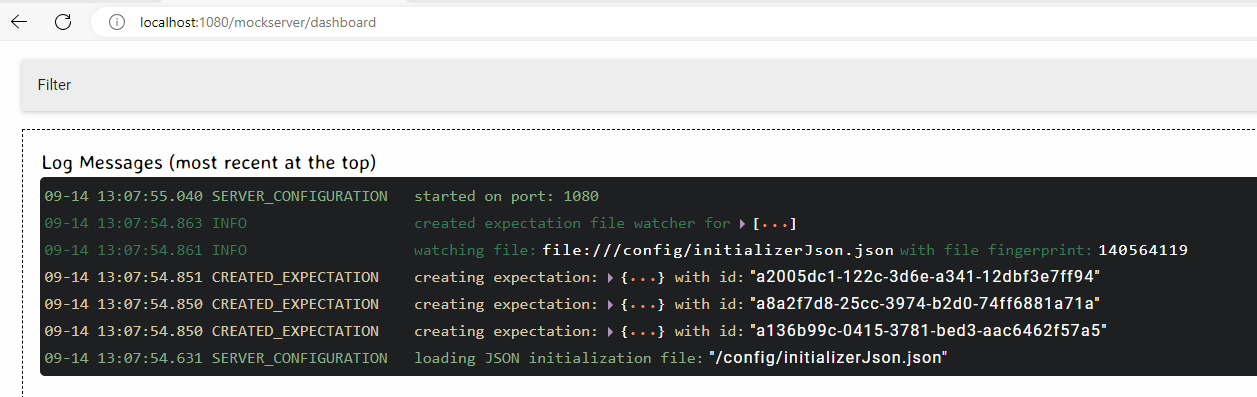
MockServer UI
Browser
The UI can be opened in any browser using the URL
http(s)://: /mockserver/dashboard
For example if MockServer is running on localhost on port 1080 use
http://localhost:1080/mockserver/dashboard