playwright Introduce
Introduce
Playwright enables reliable end-to-end testing for modern web apps.
official website: https://playwright.dev/
Installation
npm init playwright@latest
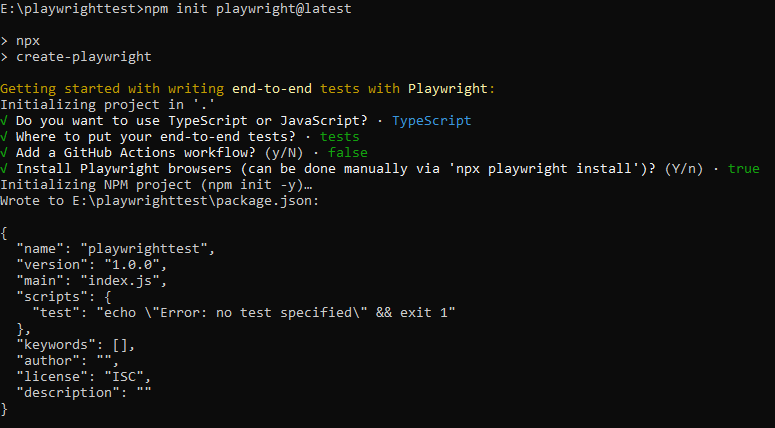
after init, will generate some folders and files:
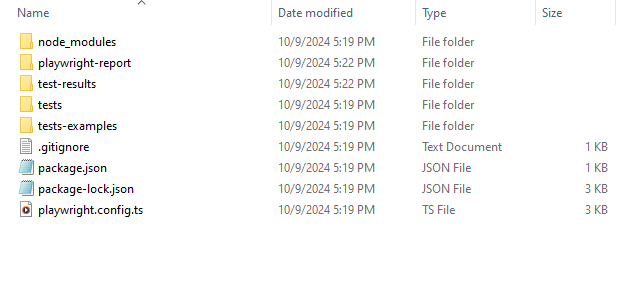
Use it !
Inside that directory, you can run several commands:
| Command | Describe |
|---|---|
| npx playwright test | Runs the end-to-end tests. |
| npx playwright test –ui | Starts the interactive UI mode. |
| npx playwright test –project=chromium | Runs the tests only on Desktop Chrome. |
| npx playwright test example | Runs the tests in a specific file. |
| npx playwright test –debug | Runs the tests in debug mode. |
| npx playwright codegen | Auto generate tests with Codegen. |
| npx playwright show-report | Auto generate tests with Codegen. |
1. Run npx playwright test
E:\playwrighttest>npx playwright test

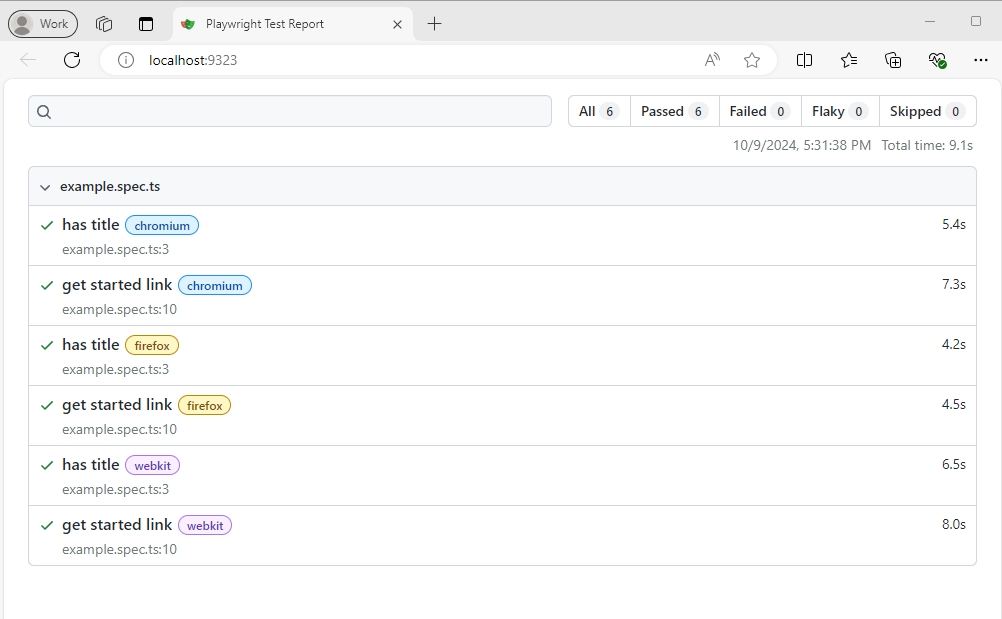
Running 6 tests using 6 workers
  6 passed (9.1s)

To open last HTML report run:

  npx playwright show-report

E:\playwrighttest> npx playwright show-report

  Serving HTML report at http://localhost:9323. Press Ctrl+C to quit.
after run npx playwright show-report can access http://localhost:9323 to see the result
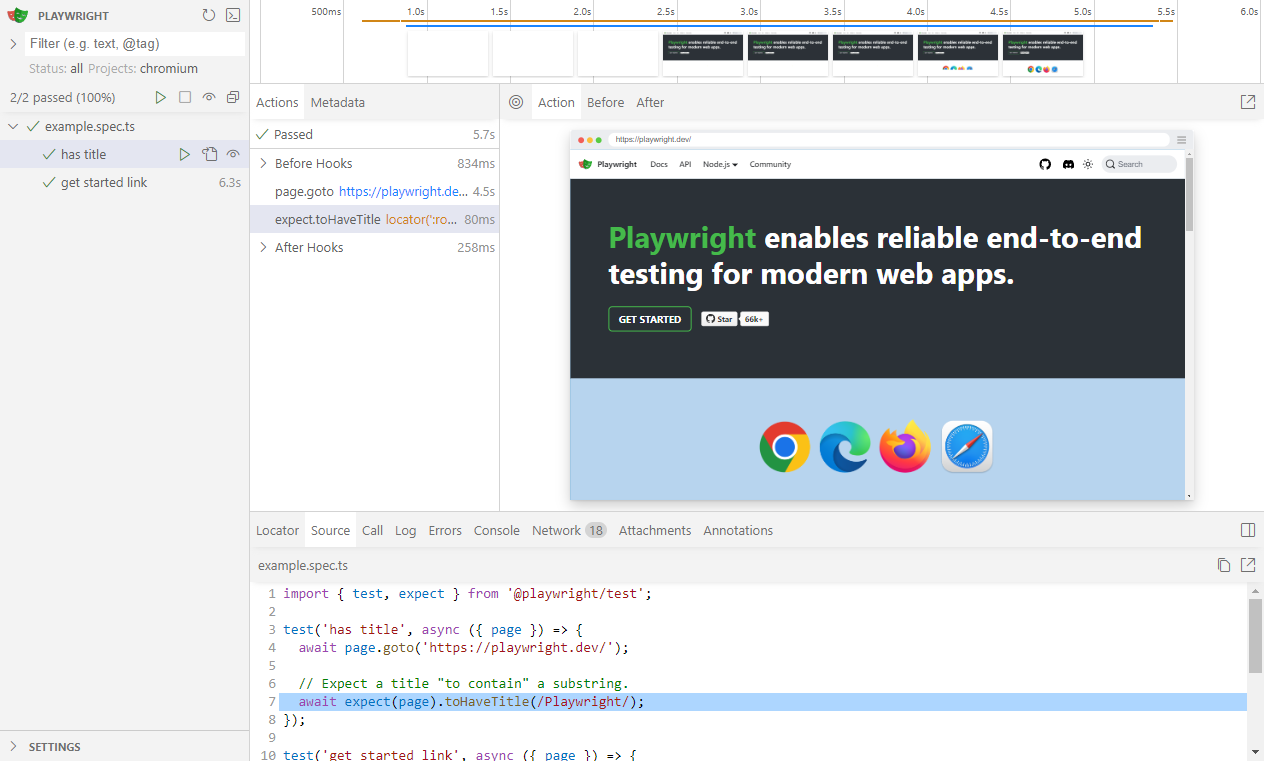
2. npx playwright test –ui
E:\playwrighttest> npx playwright test --uiafter execute the command will popup a new window, then can run the test manually.
3. npx playwright test –debug
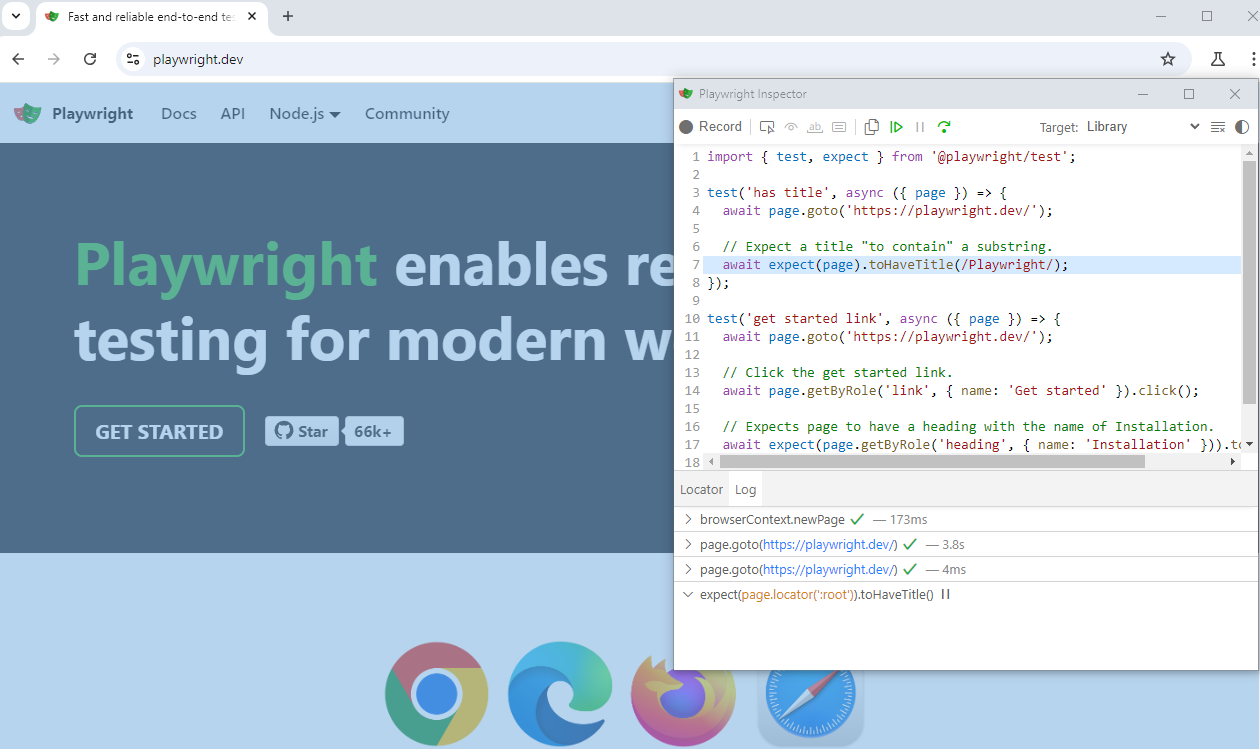
E:\playwrighttest> npx playwright test --debugafter execute the command will popup two windows, your website and Inspetor.